Free online GLB 3D viewer
View GLB files in your browser. Upload a model, inspect it from every angle, and keep the file local to your device.
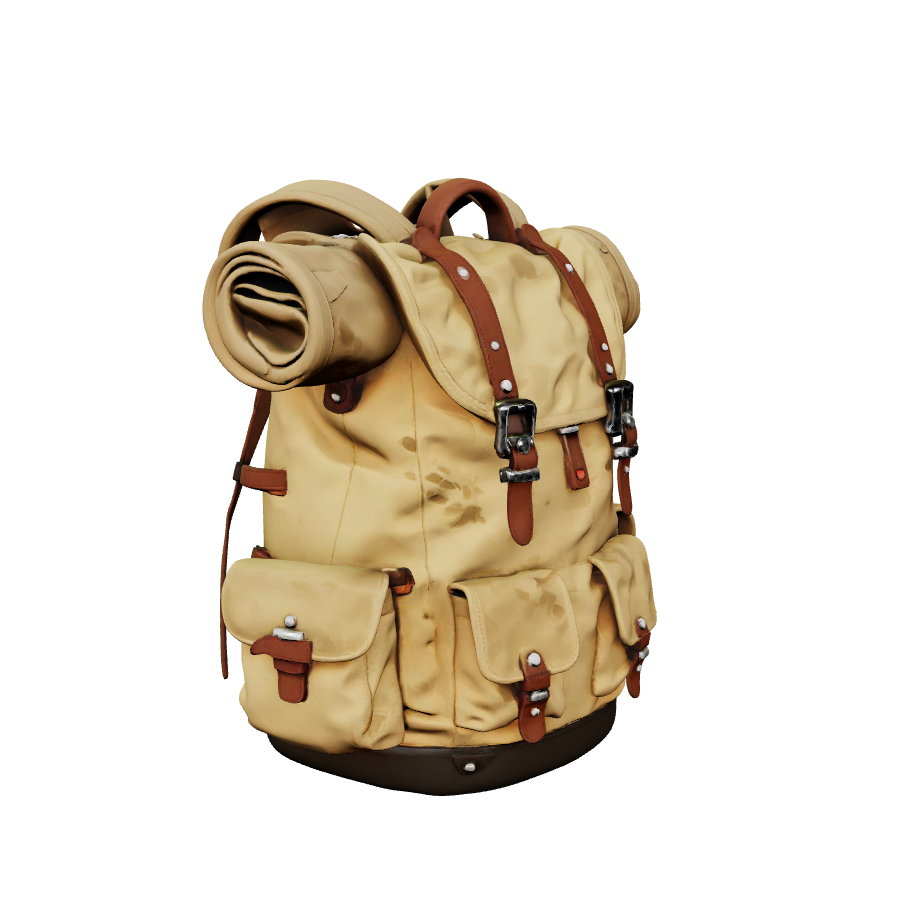
Upload a 3D file to start inspecting it in the browser.
Part of the workflow
Inspect locally, then continue with a focused 3D draft
This local 3D viewer helps you inspect or prepare files without using generation credits. When you need a new model, choose the workflow that matches the job.
Multi-format 3D model preview
Preview GLB, GLTF, OBJ, STL, PLY, and VOX assets with one browser-based viewer.
No software install
Open a model, rotate it, zoom in, pan around, and inspect the result without Blender or desktop viewers.
Private local viewing
Files are read in your browser session. This viewer does not upload assets or consume generation credits.
Creator-friendly controls
Use auto rotation for quick checks, wireframe for topology, and grid or lighting controls for cleaner inspection.
How to use GLB viewer
The MeshForge3D format-specific viewer keeps the model file local in your browser.
- 1Upload or drop a supported 3D model file.
- 2Drag to rotate, scroll to zoom, and right-drag to pan.
- 3Switch grid, wireframe, lighting, or auto-rotate while reviewing the model.
3D viewer FAQ
Does the 3D viewer use generation credits?
No. It is a local browser viewer and does not use paid generation or conversion credits.
Why does GLTF work best as a single file?
External .bin files and texture folders need a packaged upload flow. Single-file GLB is the most reliable preview format.
Can I inspect geometry only formats?
Yes. STL, PLY, and VOX can be previewed, but geometry-only formats may not include original PBR materials or texture maps.
Does MeshForge3D use format-specific viewer routes?
Yes. The viewer uses /3d-viewer/glb style routes so each format can have dedicated SEO and a focused default state.